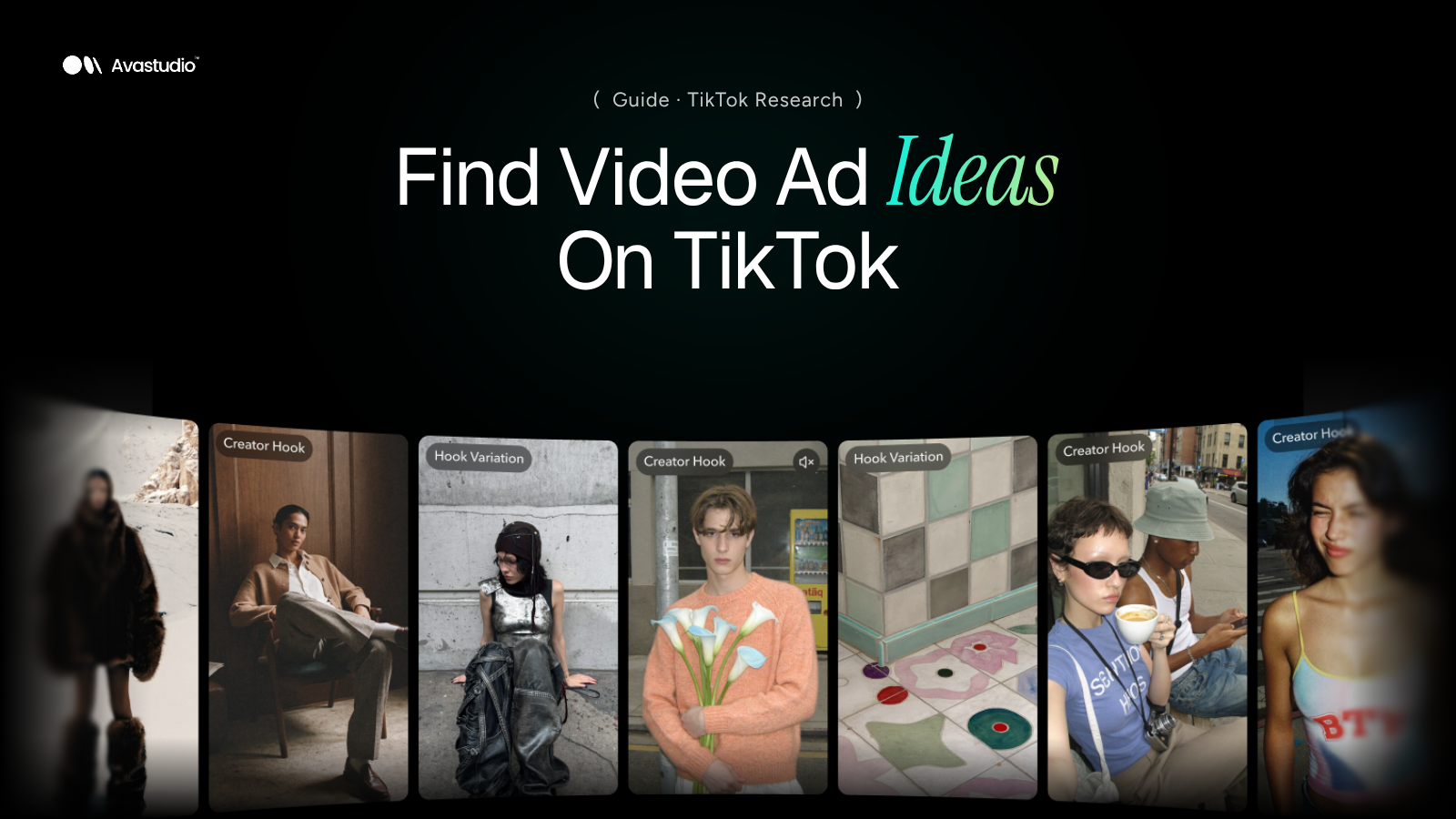
To find video ad ideas for your app, look at how competitors and other products for the same customers explain a problem on TikTok. Save examples that show a useful opening or product demonstration, then turn one idea into a script and shot list for your own video. High view counts alone do not tell you whether a video brought in customers.
This guide includes a research worksheet and a short video plan, also called a creative brief. The worked example below is fictional; it is not a campaign case study or evidence of conversion performance.
1. Decide what you want the video to explain
Write one question you want the research to answer. For example: “How can we show a founder that our feedback tool removes the work of gathering requests from several channels?” This gives you a reason to keep or reject each reference.
Choose a small set of direct competitors and adjacent products. A competitor can reveal how your category explains its value. An adjacent product may offer a useful format, but its audience and offer may differ from yours.
2. Find relevant examples
Start with each competitor’s TikTok profile and search for its product name. Then search the customer’s problem and the task they want to complete. For a feedback tool, useful query ideas include “customer feedback,” “feature requests,” and “product planning.” These are research prompts, not claims about keyword search volume.
Save the original video link and review the video itself. Include recent ordinary posts alongside unusually visible examples. Record the post date and the date you checked its metrics. Keep organic posts and identifiable paid ads separate; mark the distribution type unknown when you cannot establish it.
3. Use this reference worksheet
Source: Original URL, creator or brand, post date, and review date.
Audience: Who is addressed, and what problem is named?
Opening: Exact first line and the first visual.
What the video shows: What real screen, action, or result does the video show?
Structure: When does the product appear, and what does the video ask viewers to do next? That final request is its call to action, or CTA.
Visible response: Views and other public engagement, with the observation date.
Unknowns: Spend, targeting, conversions, and any claims you cannot verify.
Idea to test: One communication pattern that could fit your own product.
A large account and a new brand have different distribution. A year-old video and a week-old video have had different time to collect views. Public engagement helps you choose what to study; it does not tell you whether the video made money or brought in people who need the product.
4. Separate what you saw from what you want to test
Illustrative observation: A reference shows the product before the presenter finishes the opening sentence.
Hypothesis: Showing our product early may help founders understand how the tool could help them.
Test: Compare an opening with the product immediately visible against one that introduces the problem first. Where possible, reuse the same main video segment and ending. Keep the offer, audience and distribution comparable, and record uncontrolled differences. This is a proposed experiment, not a finding about a real competitor.
5. Write a brief someone can produce
Queue is a fictional feedback tool used here to demonstrate the template. Replace its capabilities with verified details from your own product.
Audience: Founders gathering customer requests from several channels.
Problem: Finding all the customer requests before deciding what to build.
Opening: “Your next product decision is buried in five different conversations.”
What to record for this fictional brief: If your product actually supports this workflow, capture requests arriving in one board and the original customer context opening. Otherwise choose a verified capability from your own product; no recording or customer result is supplied by this example.
Format: A presenter introduces the problem, followed by the product recording.
CTA: Try the product with the next few customer requests.
Hypothesis: Showing a familiar task may attract more potential customers than promising to make everyone more productive.
Keep the source URLs with the brief. Adapt the communication pattern using your own wording, assets, and product claims.
6. Use Ava to develop the brief
Ava for Agents describes tools for finding unusually popular TikTok videos, comparing their openings, and drafting video plans. Review its current connection and plan requirements before using the workflow. Give Ava who your customers are, what the product does, and your reference videos, then request a draft:
Review these videos with our customers and product in mind. Show me three ways they begin, with the original links. Explain what you can observe and what you are only guessing about their results. Suggest one opening to try, then write our own script and shot list. Include the product demonstration, what viewers should do next, and the images or recordings we need. Use only product claims we have confirmed. Do not generate a video yet.
Check the returned source links and claims before approving production. A pattern that works for one category may not fit another.
7. Choose what the resulting video will test
To judge whether the ad brings in potential customers, count signups from your intended audience and check whether those people use the product. Also track visits and viewing metrics. Keep audience, placement, and timing as comparable as practical. If delivery conditions differ, treat the comparison as a clue, not proof that the opening caused the difference.
Attention without relevant visits could reflect several issues, including a mismatch between the opening and offer or differences in audience and distribution. If visitors sign up but do not finish a task, inspect the landing page and product steps. Record these as possible explanations to investigate, not established causes.
Open Ava Studio with one customer problem, your product details, and a few relevant source links. Review the script, shots, and next step before generating the video.
- SaaS
- TikTok research
- Creative briefs
Frequently Asked Questions
How many references do I need?
Enough to see a few distinct approaches and choose one to test. Start with a manageable set you can annotate carefully; add more when a specific question remains unanswered.
Can I call a high-view video a winning ad?
You can describe its visible reach. Without reliable spend and conversion data, you cannot establish that it was a profitable ad.
Create your first AI video
Go from a prompt to a polished, viral-ready video with Ava Studio.
Try Ava Studio

