






 Veo
 X1
 9:16
 5s
 1080p
 ON


 Preview
 Hidden Nodes(1)





 Split



 Add





Product Showcase
 @Hook@CTA
Create on-brand videos faster,
with full control over every scene and the final edit.
Create faster with AI while keeping control over the look, story, and final edit.
01 INGREDIENTS
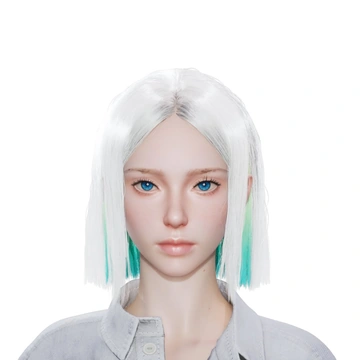
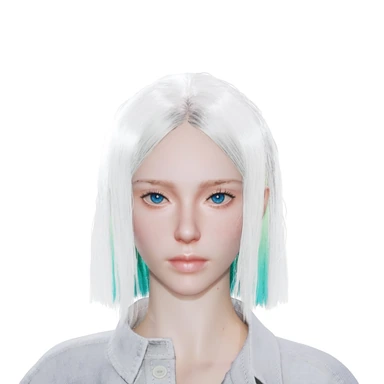
@ @Alisa
 @Michal
 @Moon
Bring in images, footage, scripts, products, creators, voices, and brand rules
02 AI STUDIO
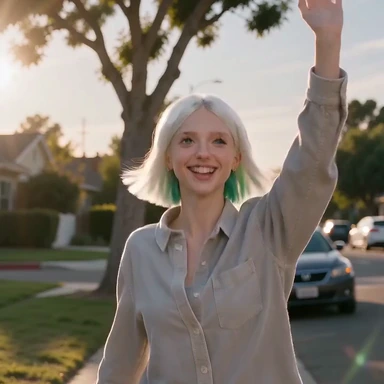
AVA is on the beach saying “ I love the sunset
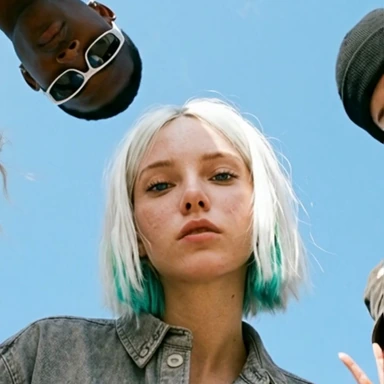
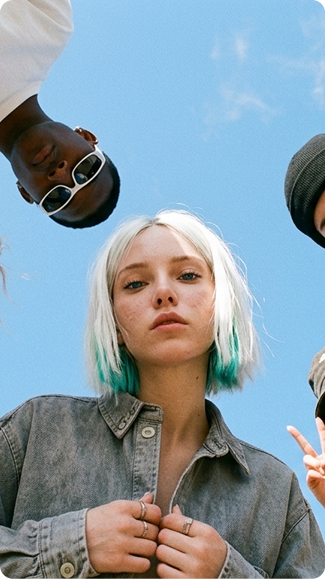 Generated image of three people photographed from below against a blue sky
Connect reusable ingredients, generate scenes, and change the creative direction
03 EDITOR
And there's Morty, awkwardly trying to keep up, his arms flailing like a inflatable tube man in a hurricane.

Refine timing, captions, audio, cuts, and the final export
Turn a goal, reference, or rough idea into a first draft. Then ask for changes or edit every detail yourself.
A node canvas beside an AI prompt panel. A prompt is typed — “Create a video of Ava catching up with friends. Keep it candid, joyful, and full of energy.” — with a reference photo of friends attached. Ava answers with a video plan: the hook “The best plans? Getting everyone together.”, a story shot from a playful low angle, and the reference image, which appears on the canvas. The video generates and appears as a connected node. The video node is then moved, a prompt node reading “Extend the moment as everyone laughs and waves goodbye.” and an Extend Video node are added, and both are wired into the extension.
Start with reusable ingredients or a proven template. Build the video, then polish every detail before you export.
A video editor beside an Ingredients panel holding a hook line, “The best moments start with your favorite people.”, and three references: Ava, Scene 1 and Scene 2. Scene 1 is on the timeline. Scene 2 is dragged from Ingredients onto the timeline after Scene 1 and played across the cut. The playhead is moved toward the end of Scene 2, Scene 2 is split there, and its trailing two seconds are selected and deleted. The shortened sequence, twelve seconds long, is played back.
Swap the hook, creator, product shot, voice, or CTA. Keep the rest of the workflow intact.
That makes it easier to create variations, localize a proven format, or take over a campaign at any step.
@Hook@CTAI used to waste hours on this — until I discovered something ridiculously simple.
I used to waste hours on this — until I discovered something ridiculously simple.
Reuse brand ingredients, customize every scene, and export the final video.